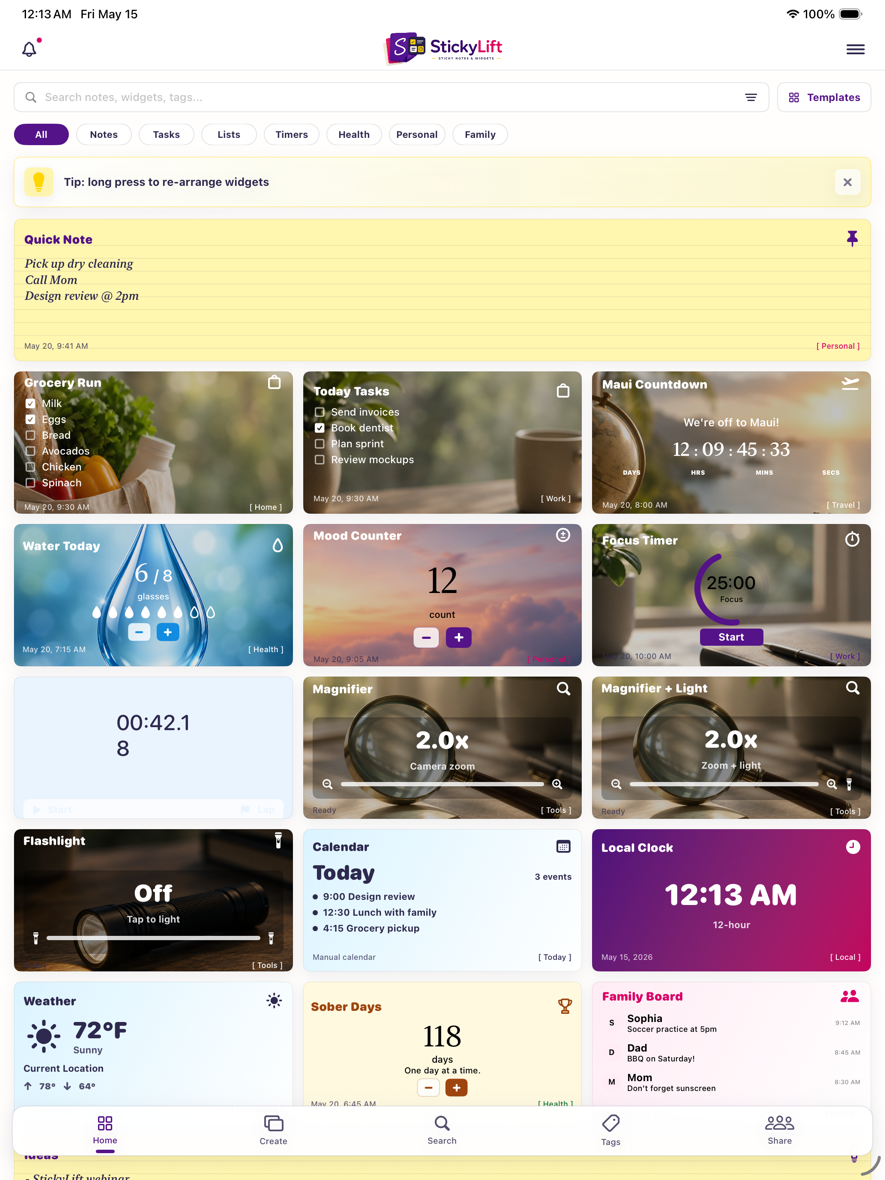
iPhone
Two-column boards, quick menus, Home Screen widgets, Lock Screen widgets, camera tools, and push reminders.
StickyLift turns notes, todos, groceries, timers, counters, calendar, weather, tools, and family boards into polished widgets that sync across iPhone, iPad, and Mac.
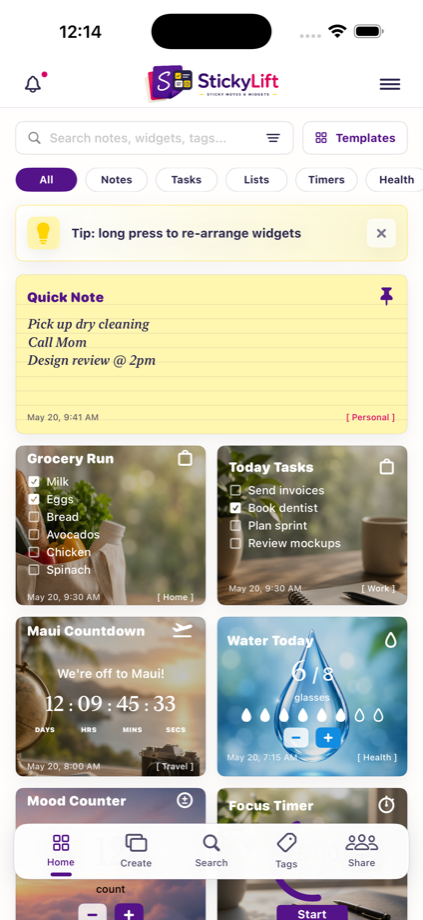
Two-column boards, quick menus, Home Screen widgets, Lock Screen widgets, camera tools, and push reminders.
Roomier boards with more columns, larger editors, templates, family sharing, and dashboard-style scanning.
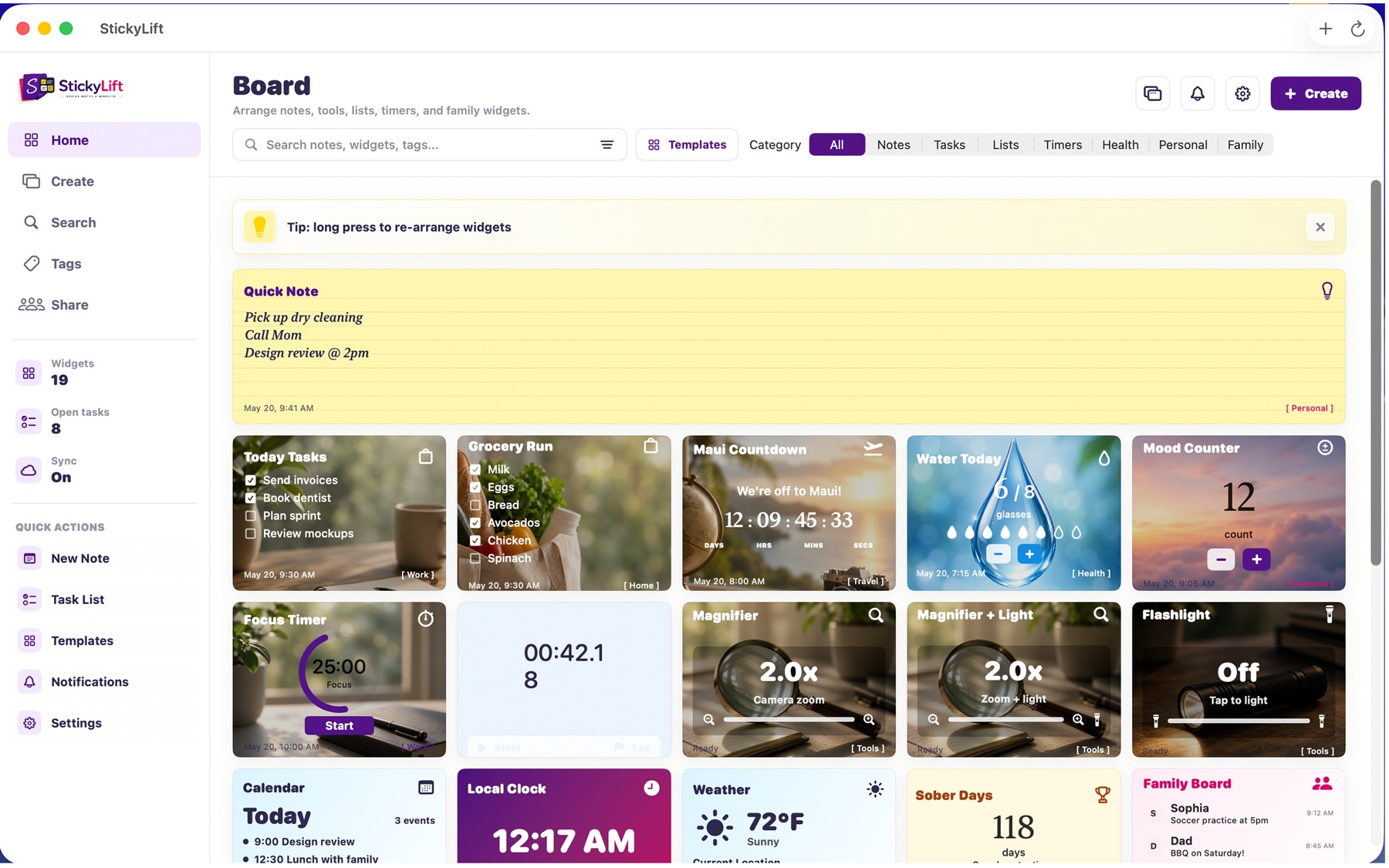
A true desktop layout with sidebar navigation, menu bar access, launch-at-login, and desktop widget workflows.
Every major app and API capability is surfaced as a customer-facing feature, from simple notes to desktop widgets, family boards, custom backgrounds, and sync.
Pinned notes, quick thoughts, lined paper styling, tags, and rich widget previews.
Task widgets with working checkboxes, priorities, edits, and persistent sync-ready state.
Shopping lists with checked items, family-friendly categories, and fast add/edit flows.
Trips, launches, deadlines, birthdays, and custom countdown cards with beautiful backgrounds.
Pomodoro-style focus sessions, reset controls, break settings, and focus-mode prompts.
Workout, chore, and routine timing with elapsed time, laps, restart, and widget updates.
Water, mood, sober days, streaks, reps, scores, and daily totals with direct plus/minus controls.
Hydration widgets with goals, progress marks, reminders, and customizable water artwork.
Track momentum for workouts, wellness, sobriety, routines, and resettable milestone goals.
Calendar widgets can show appointments from Apple Calendar or manually added events.
Local weather cards with Fahrenheit or Celsius, conditions, highs, lows, and city settings.
Local clocks with 12-hour, 24-hour, military, compact, analog, and digital options.
Camera zoom tools for labels and small print, with photo capture support on device.
A separate flashlight widget plus a magnifier-with-light option for practical quick access.
Shared household boards, family notes, member updates, reminders, and invite flows.
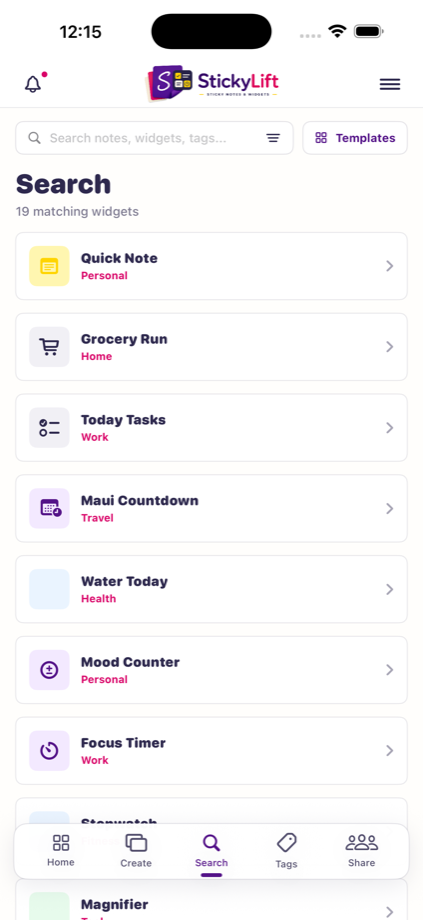
Filter by tag, search notes and widgets, and keep big boards easy to scan.
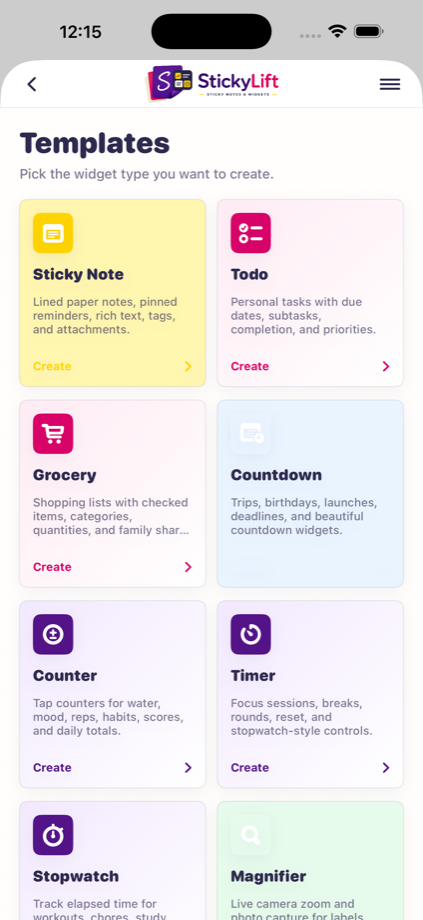
Create from templates for notes, tasks, groceries, counters, timers, weather, tools, and more.
Attach images, PDFs, documents, and reference files to detail views where they belong.
Choose backgrounds, gradients, solid colors, overlays, fonts, font colors, and column spans.
Sync boards across Apple devices while keeping local-first persistence for fast loading.
Create board widgets for app boards, Home Screen, Lock Screen, and desktop surfaces.
Optional reminders for water, timers, countdowns, family notes, workouts, and daily habits.
Long-press to rearrange widgets and choose how many columns each widget spans.
A desktop layout with sidebar, menu bar access, launch-at-login, and Mac widget support.
Set image backgrounds, gradients, solid colors, shade overlays, fonts, font colors, tags, and column spans. Then drag widgets into the order that matches your day.
Use built-in artwork or your own backgrounds, cached locally and sync-ready.
Preview overlays, font choices, colors, and layout span before saving.
StickyLift is built for native iOS, iPadOS, and macOS workflows: iCloud sync, Apple Calendar access, optional push notifications, Home Screen widgets, Lock Screen widgets, and desktop widgets.
Fast local boards with device-to-device sync when users enable it.
Water, countdown, family, gym, timer, and habit reminders with settings toggles.
Show Apple Calendar appointments or manually created events right on the board.
Create shared family widgets and invite household members from the same friendly board language.
The same product language stretches from a compact phone board to a wide Mac dashboard.